
Guides
Clear, practical explanations of file formats, size limits and quality, with step-by-step instructions you can follow in a couple of minutes.
PDF Tools
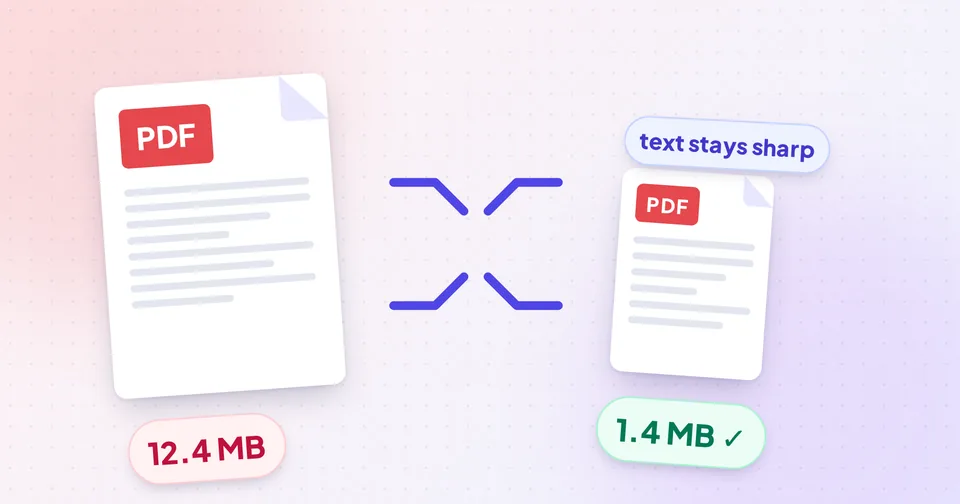
How to Compress a PDF Without Losing Quality
Learn what really makes a PDF large, how to shrink it while keeping text sharp and searchable, and what to do when a PDF refuses to get smaller.
5 min readRead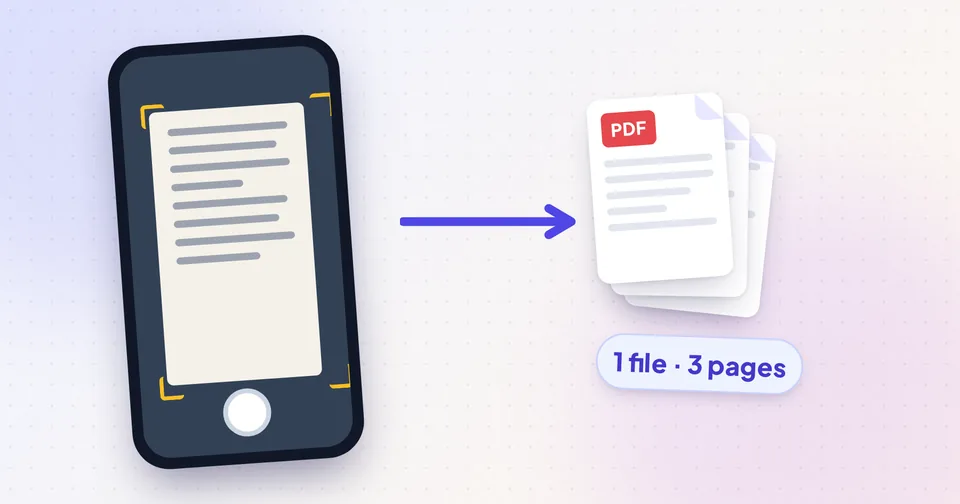
How to Scan Documents to PDF With Your Phone
Turn paper documents into clean, readable PDFs with your phone: photograph the pages, combine them into one PDF, fix rotation, shrink the file and make it searchable.
5 min readRead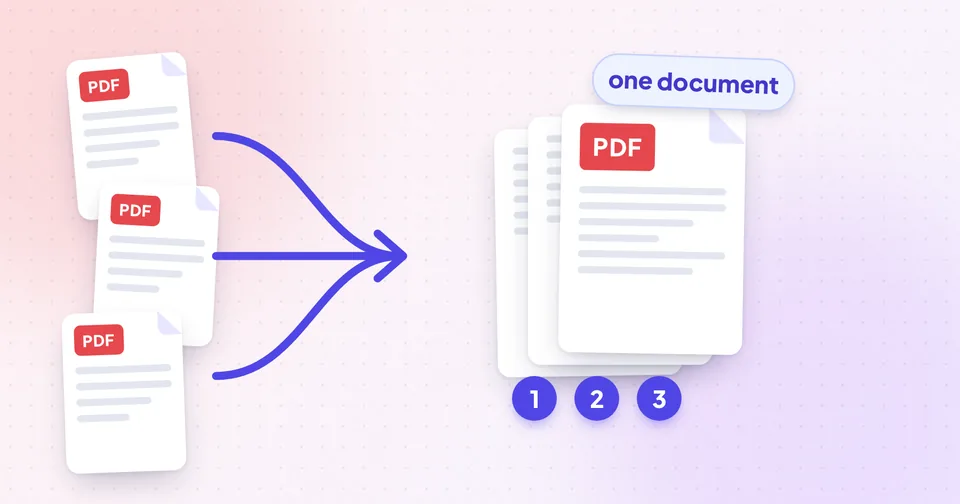
How to Merge PDFs and Put the Pages in Order
Combine several PDFs into one, then reorder, rotate, remove or pull out pages so the final document reads correctly. A practical, step-by-step workflow.
5 min readRead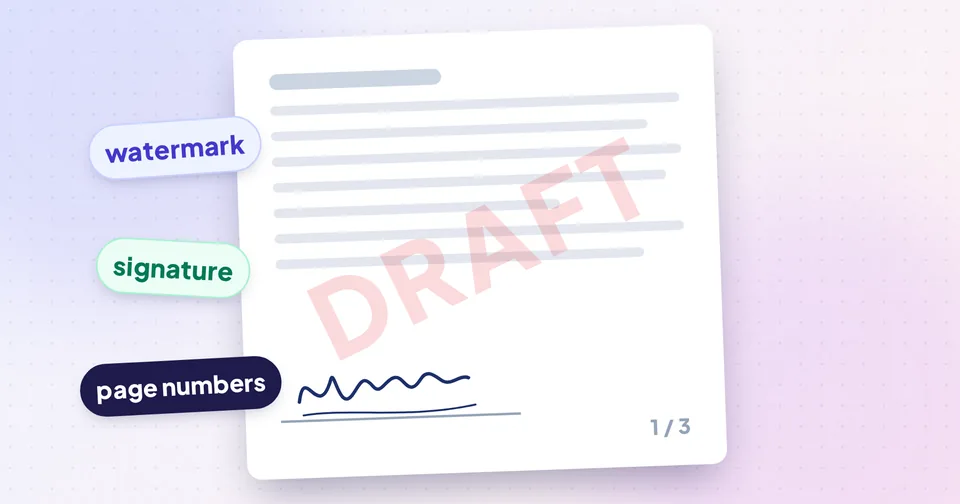
How to Sign, Watermark and Number a PDF
Add your signature, initials and date to a PDF, mark it CONFIDENTIAL or DRAFT, and number the pages, in the right order, plus what an electronic signature means legally.
6 min readRead
Image Tools
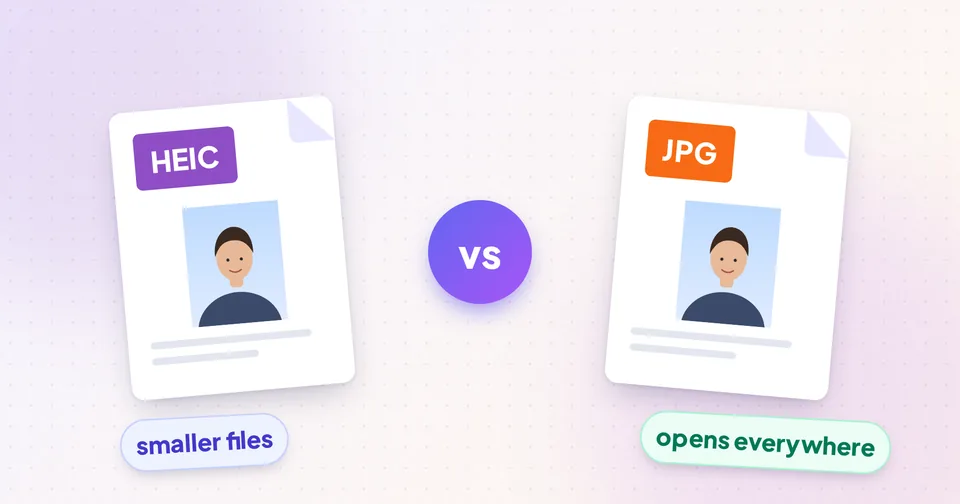
HEIC vs JPG: What's the Difference and Which to Use
Why iPhone photos are saved as HEIC, why some websites and Windows PCs won't open them, and when to convert HEIC to JPG or PNG without losing quality.
5 min readRead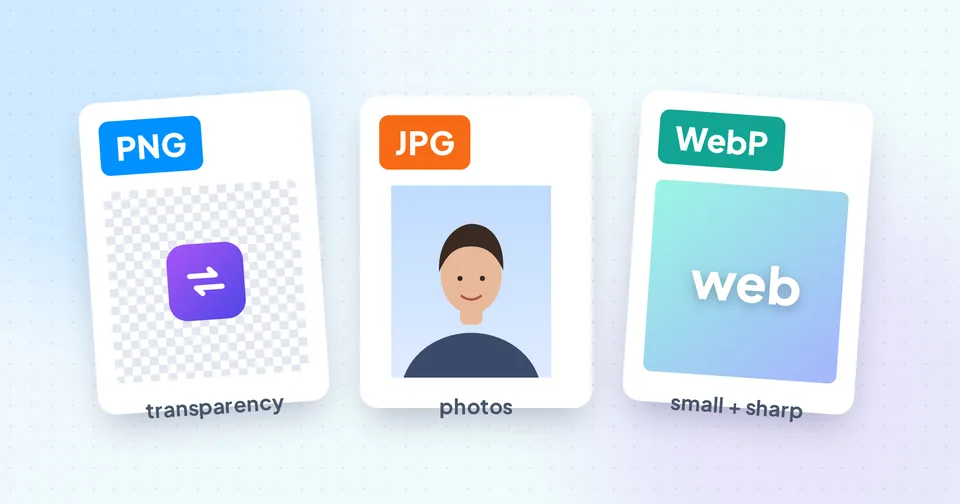
PNG vs JPG vs WebP: Which Image Format Should You Use?
A practical comparison of PNG, JPG and WebP: lossy vs lossless, transparency, file size and compatibility, with clear rules for photos, logos, screenshots and websites.
5 min readRead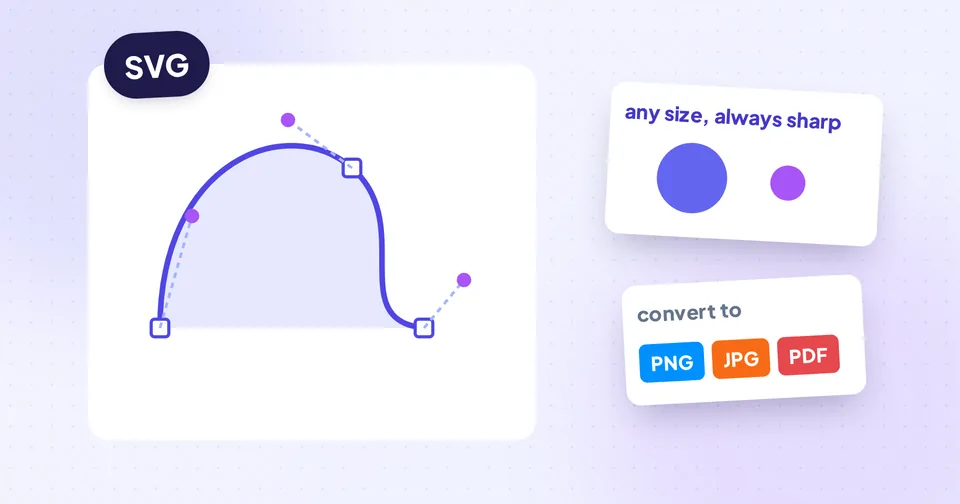
SVG Explained: When to Use It and How to Convert It
What SVG files are, why logos and icons use them, when to convert SVG to PNG, JPG or PDF, how image-to-SVG tracing works, and how to keep SVGs small and safe.
6 min readRead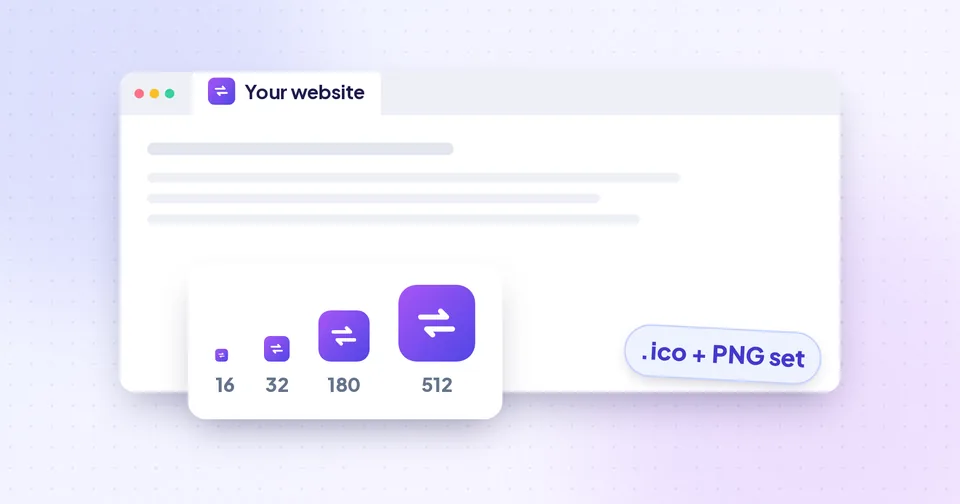
How to Create a Favicon for Your Website
Which favicon files a modern website needs, how to design an icon that's readable at 16 pixels, and how to generate, upload and test a complete favicon set.
5 min readRead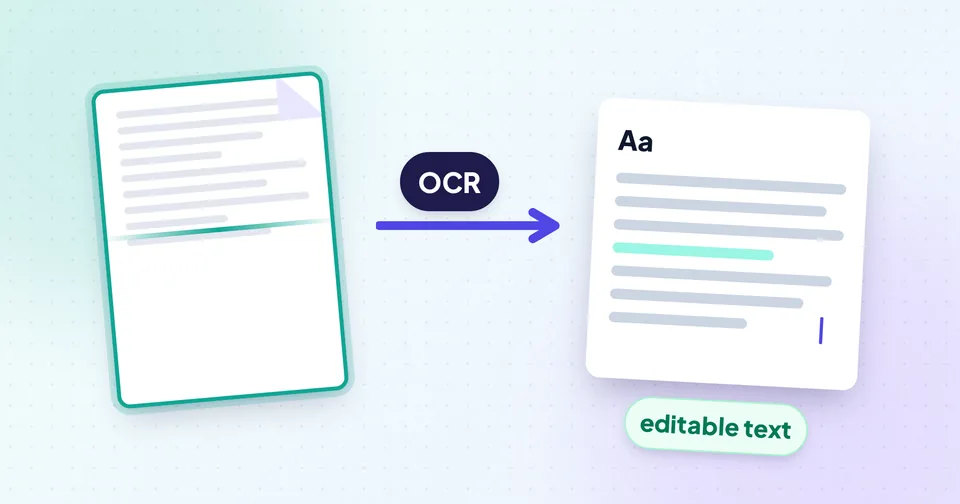
How to Copy Text From an Image or a PDF
Get editable text out of photos, screenshots, scans and PDFs. Learn when OCR is needed, how to get accurate results, and how to clean up the text afterwards.
6 min readRead
Photo & Signature Resizer
How to Reduce Photo Size for Online Forms (20–500 KB)
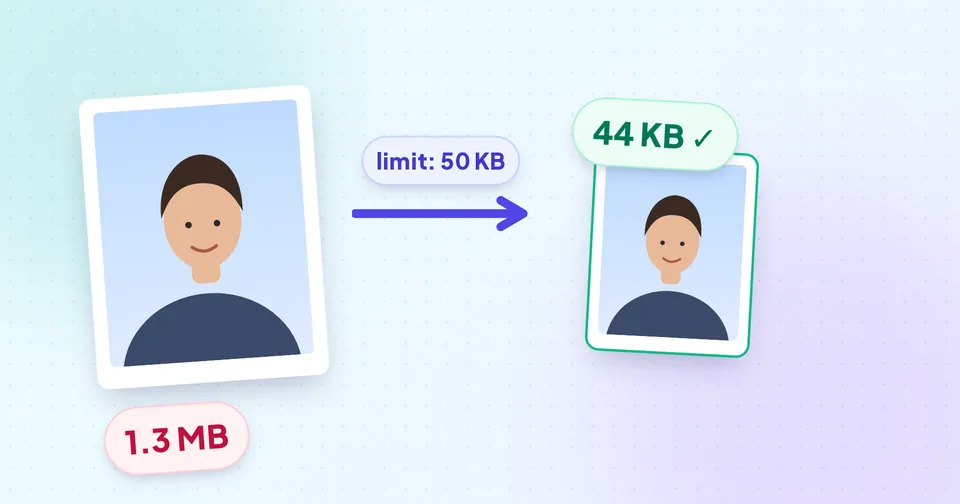
Upload rejected for being too large? Learn how KB limits work, why quality and pixel size both matter, and how to hit 20, 50 or 100 KB without a blurry photo.
7 min readRead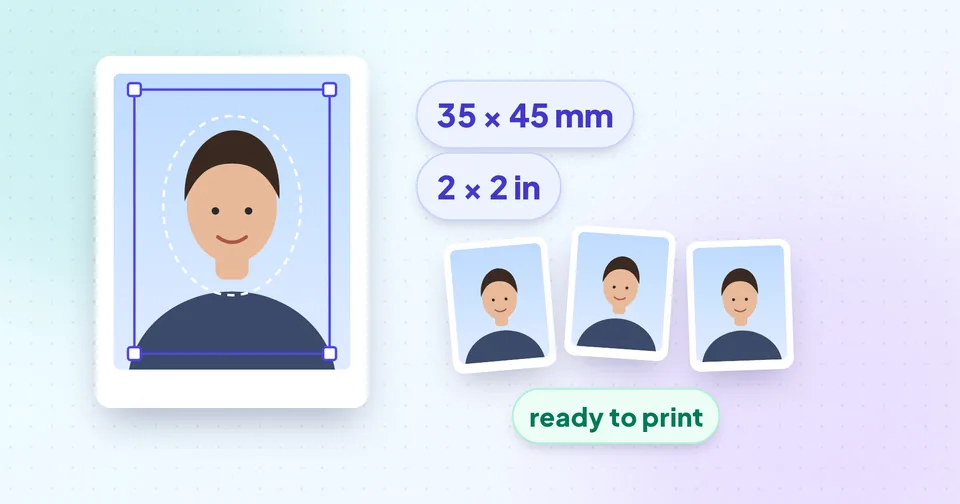
How to Make a Passport Size Photo at Home
Take a passport, visa or ID photo with your phone: lighting, background, pose and framing tips, then crop it to 35×45 mm, 2×2 in or a custom size for print or upload.
6 min readRead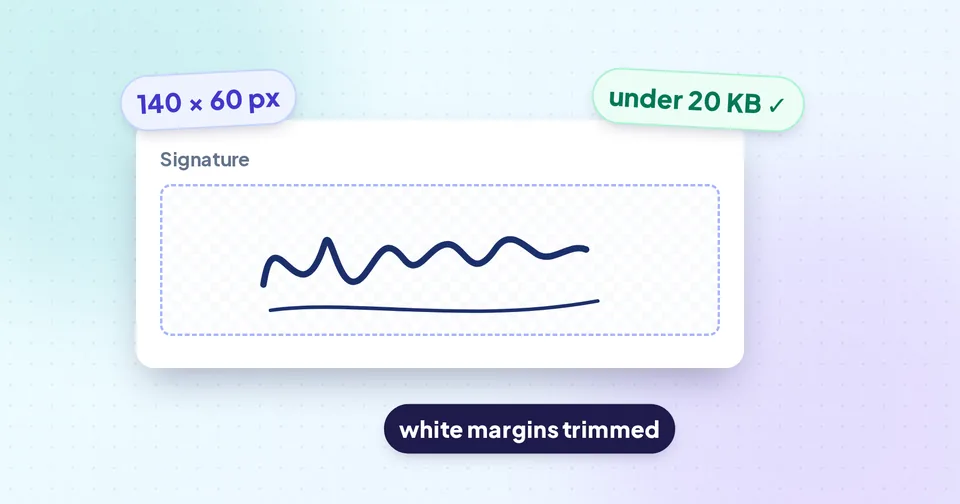
How to Resize Your Signature for Online Forms
Sign, scan, trim and resize your signature to the exact pixels and KB an online form asks for, with a clean white background and sharp, readable strokes.
6 min readRead