
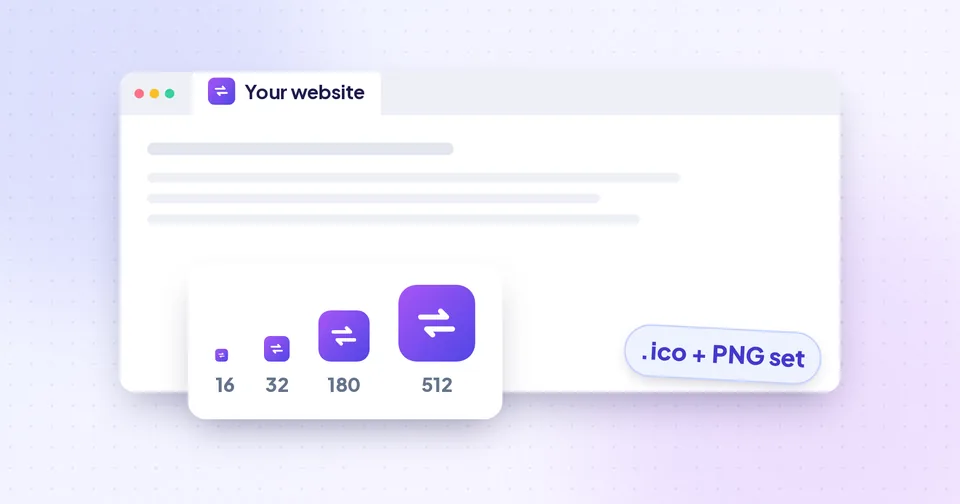
Where favicons appear, and why size matters
Your icon is shown at very different sizes depending on where people meet your site:
| Where | Typical size | File |
|---|---|---|
| Browser tab, bookmarks | 16 × 16 and 32 × 32 px | favicon.ico, favicon-32x32.png or favicon.svg |
| Windows taskbar and shortcuts | Up to 48 px (larger for app icons) | favicon.ico |
| iPhone and iPad home screen | 180 × 180 px | apple-touch-icon.png |
| Android home screen, installed web apps | 192 and 512 px | android-chrome PNGs + site.webmanifest |
The smallest size is the hardest. At 16 × 16 pixels there are only 256 pixels to work with, so detail that looks fine at 512 px turns into a blur. That's why a good favicon set draws each size separately from the original artwork instead of shrinking one large icon down.
Designing an icon that works at 16 pixels
You rarely need a new logo for a favicon, but you often need a simplified version of it.
- Use the symbol, not the full logo. A wordmark like "Acme Solutions" is unreadable at 16 px; the first letter or the logo mark works far better.
- Keep shapes bold. Thin lines and small gaps disappear when shrunk.
- Use strong contrast. The icon will sit on light and dark browser themes, so test both.
- Fill the square. Wide logos leave a tiny strip in the middle; use the Crop option to zoom in on the mark.
- Avoid fine gradients and shadows. They turn into muddy pixels at small sizes.
Tip: Zoom out on your design until it's about the size of a fingernail on screen. If you can still recognise it, it will work as a favicon.
For the source file, an SVG is ideal because it can be drawn perfectly at every size. Otherwise use a square PNG of at least 512 × 512 px. If your SVG came out of a design tool, running it through the SVG Optimizer first removes editor clutter; SVG explained covers the format in more detail.
Generating the full set
The Favicon Generator builds everything from one image, in your browser:
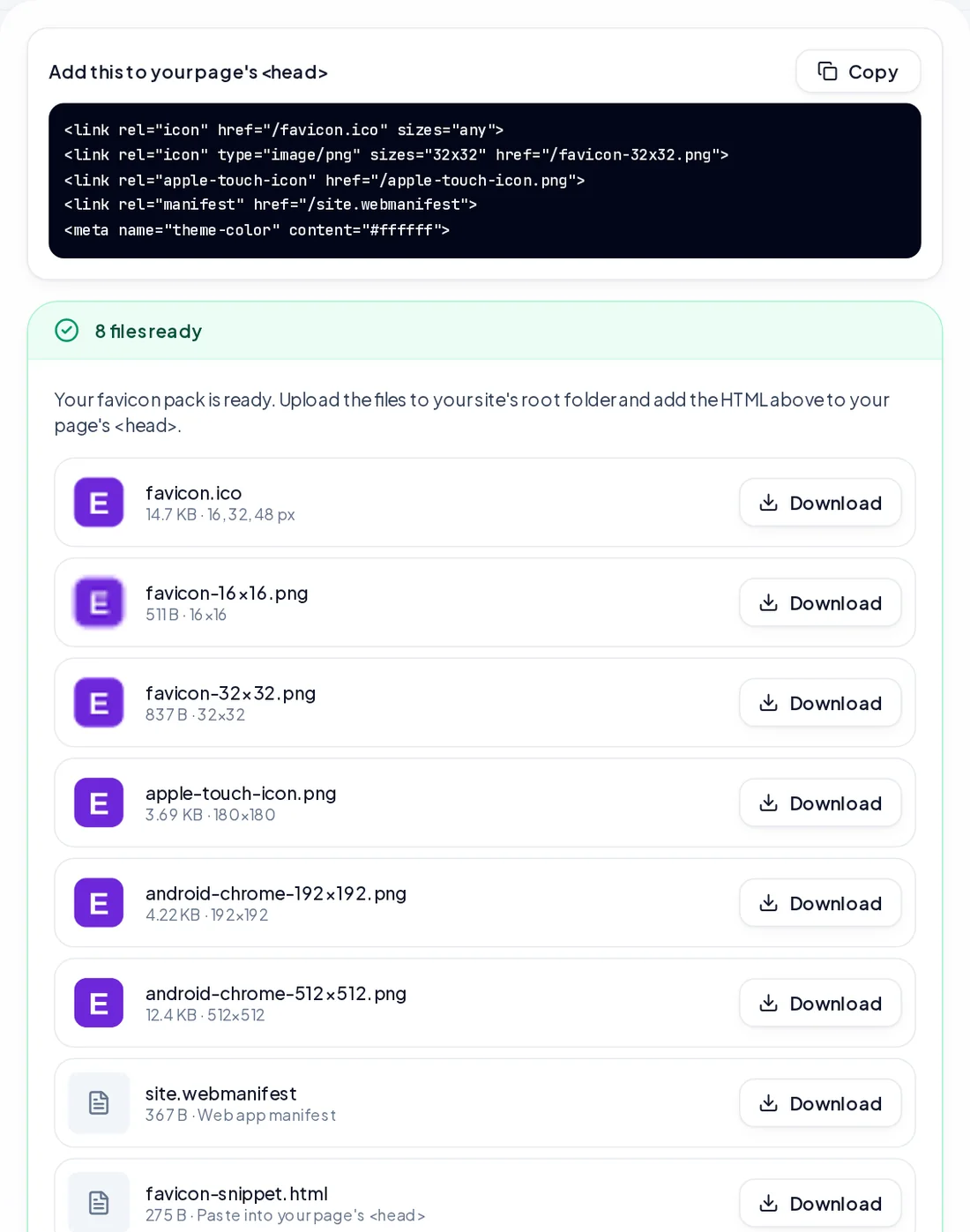
- favicon.ico with 16, 32 and 48 px icons inside, for tabs, bookmarks and Windows.
- favicon-16x16.png and favicon-32x32.png.
- apple-touch-icon.png at 180 × 180 px.
- android-chrome-192x192.png and android-chrome-512x512.png.
- site.webmanifest, which names the icons for Android and installed web apps.
- favicon.svg, if you started from an SVG.
- favicon-snippet.html, with the lines to paste into your page.
Before downloading, choose the icon sizes and the part of the image to use. Crop lets you drag a square over the area you want. Under More options:
- Padding (0–25%) adds breathing room; logos that touch the edges often look better with 5–10%.
- Extra-crisp small sizes gently sharpens the 16–48 px icons. SVG sources are already sharp.
- Set the site name and theme colour used in the manifest.
The preview shows every size at its real pixel size, on light and dark backgrounds, plus a mock browser tab. It has its own switches for the background and which views to show, and they never change the files you download.
Watch out: The Apple touch icon always gets a solid white background. iPhones and iPads show transparent areas of home-screen icons as black, which rarely looks intentional.
Installing it on your site
- Unzip the download and upload the files to the root of your site, the folder that holds your home page, so they're reachable at addresses like example.com/favicon.ico.
- Open favicon-snippet.html and paste its lines into the <head> section of your pages, or your site's shared header template.
- If your site lives in a subfolder, adjust the paths in the snippet and in site.webmanifest to match.
The snippet links favicon.ico for all browsers, an SVG or 32 px PNG icon for modern ones, the Apple touch icon, the manifest and a theme-color meta tag. Keep favicon.ico in the root even though it's linked, because some tools and older browsers look for it there automatically.
Website builders and CMSs
WordPress, Shopify, Wix and similar platforms usually have their own "site icon" setting that generates sizes for you. Use that setting with your 512 px PNG rather than pasting HTML, so a theme update doesn't remove your tags.
Testing and fixing a favicon that won't update
Browsers cache favicons aggressively, so it's normal to keep seeing the old icon for a while.
- Open the site in a private or incognito window to check the new icon.
- Visit example.com/favicon.ico directly to confirm the file was uploaded.
- If you replaced an existing icon, add a version to the links (for example /favicon.ico?v=2) so browsers fetch the new file.
- Check the iPhone icon by adding the page to the home screen. Remove and re-add it if you'd tested before.
Search engines can take days or weeks to show a new favicon in results, and only re-fetch it when they recrawl your home page. A square icon, linked from the home page and not blocked by robots.txt, gives them what they need.
Just need an ICO file?
For a desktop app, a Windows shortcut or an old system that only accepts .ico, use PNG to ICO. Choose the website sizes (16–48 px), the Windows app sizes (16 up to 256 px), or your own selection. Small sizes are stored as classic bitmaps that every Windows version reads, larger ones as PNG to keep the file small, and the finished ICO is read back and checked before you download it.