
About EasyFile24
Free file tools that do the job properly and keep your files on your own device.
Why EasyFile24 exists
Most people don't need a full design suite or a PDF editor subscription. They need to get one file into the right shape, right now: a photo under 50 KB for an application form, an iPhone picture that a website will actually accept, three scanned pages merged into one PDF, a signature at the exact size a portal asks for. Many free sites that offer this upload your file to a server, add a watermark, cap the size or ask you to sign up first.
EasyFile24 was built to do these everyday jobs well, for free, without your files leaving your computer or phone. Today it has 52 tools for PDFs, images, photos and signatures and text, plus step-by-step guides that explain the formats and requirements behind them.
How the tools work
Every tool runs inside your web browser. When you add a file, it is read and processed by code running on your own device: images are decoded and re-encoded locally, PDFs are assembled locally, text recognition runs locally. The result is created on your device and downloaded straight from it. Your files are not sent to EasyFile24 or anyone else, and nothing is kept after you close the page.
This has practical benefits beyond privacy: there's no upload to wait for and no queue, so even large files are processed as fast as your device allows.
What we care about
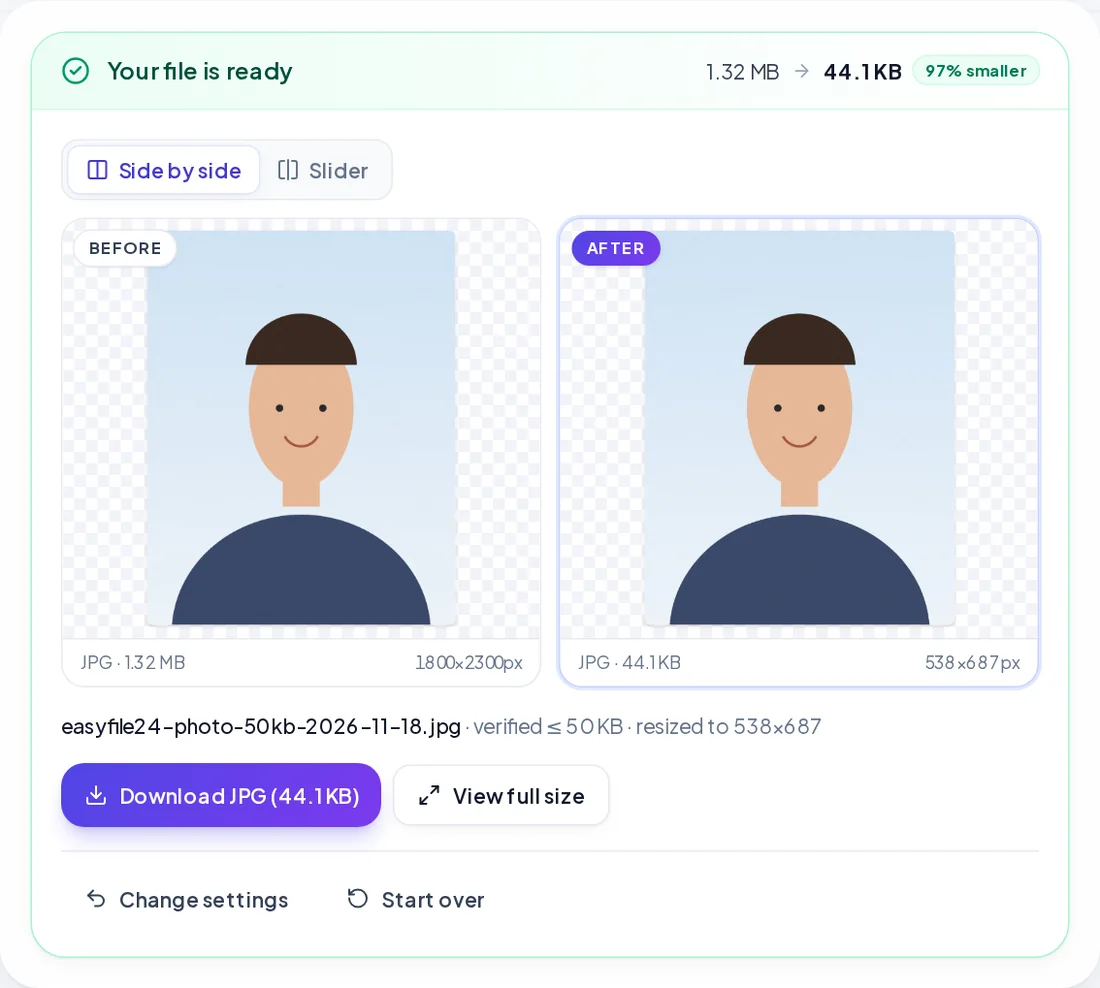
- Real results, verified. A converter must produce a genuine file of the requested format, not a renamed one. Size tools measure the actual output and only report success when it really fits the limit; if a target can't be reached without ruining the image, the tool says so.
- Quality first. We use high-quality resampling, keep transparency where the format allows it, respect photo orientation and colour, and keep PDF text selectable wherever possible.
- Safe handling. Files are checked by their actual content, not just their name. SVG files are cleaned of scripts and external links before they are drawn, and very large images are checked before decoding so a malicious file can't freeze your device.
- Only finished tools. A tool appears on the site only once it works and has been tested with real files, including awkward ones: password-protected PDFs, huge photos, animated GIFs, iPhone HEIC images.
- Plain explanations. Each tool page explains what it does, its limits and its trade-offs, so you know what to expect before you start.
How EasyFile24 is funded
The tools are free and will stay free. To cover hosting and development, the site may show advertising. Ads are kept away from upload and download buttons so they never get in the way of your work, and they never have access to your files, which stay on your device. You can read the details in our privacy policy.
Get in touch
Found a bug, need a format we don't support yet, or have an idea for a tool? We read every message on the contact page. Suggestions from users decide what we build next.