
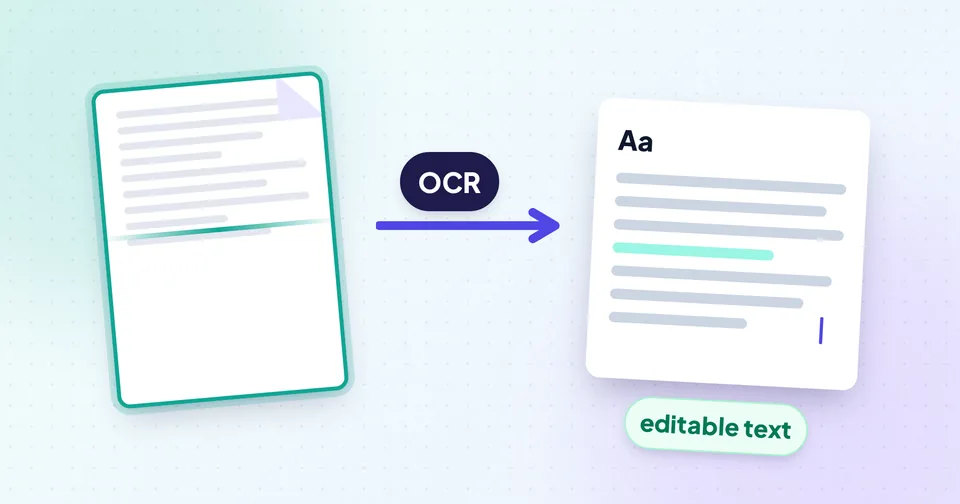
Two kinds of text: real text and pictures of text
Before choosing a tool, work out what your file actually contains. It decides how accurate the result can be.
- Real text: a PDF exported from Word, Google Docs or a website, or an e-statement from a bank. The letters are stored as characters, so they can be copied exactly, with no recognition step and no mistakes.
- Pictures of text: a photo of a page, a screenshot, a scanned document, or a PDF made from scans. The file only contains pixels. To turn them into characters, software has to recognise each letter. That's OCR.
Tip: Quick test for a PDF: open it in any viewer and try to select a single word. If it highlights, the page has real text. If you can only draw a box over the whole page, it's a scan.
Many real-world PDFs are a mix: typed pages with a few scanned certificates in the middle. A good extractor handles each page the right way.
Extracting text from a PDF
Use PDF to Text. It checks each page: pages with real text are extracted directly, and pages that are images are read with OCR in the language you choose. You can limit it to a page range when you only need part of a long document.
Copying straight out of a PDF viewer often gives jumbled text, because PDFs store text as positioned fragments, not as sentences. Two-column layouts are the worst case: a viewer may read straight across both columns. PDF to Text rebuilds lines and paragraphs from the positions on the page and reads two-column pages one column at a time, with full-width titles kept on top.
Once the text appears you can:
- Keep the line breaks exactly as in the PDF, which is useful for addresses, poems or code.
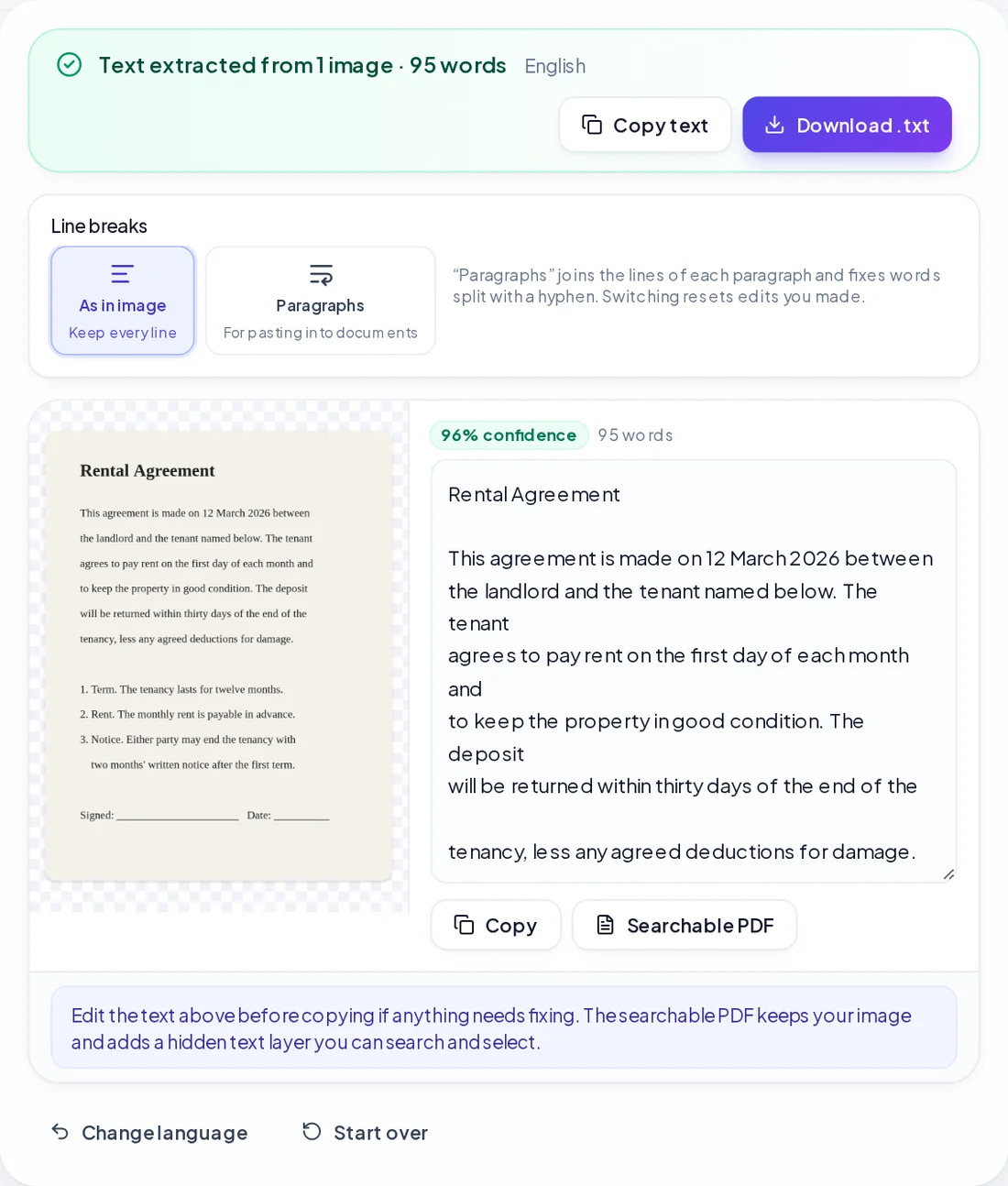
- Switch to Paragraphs, which joins the lines of each paragraph and repairs words that were split with a hyphen at the end of a line.
- Add page markers so you know where each page starts.
- Edit the text in place, then copy it or download a .txt file.
Password-protected PDFs work if you know the password; you'll be asked for it when you add the file.
Reading text from photos, screenshots and scans
For images, use Image to Text (OCR). It accepts JPG, PNG, WebP, HEIC, BMP and GIF, and you can add up to 10 images at once. The recognition engine (Tesseract) and the language data are downloaded the first time you use it; after that they're cached.
Choose the language of the text before you start. Eighteen languages are available, including English, Hindi, Bengali, Tamil, Telugu, Marathi, Gujarati, Punjabi, Urdu, Arabic, Chinese (Simplified) and Japanese, and you can add a second language for documents that mix two, such as English and Hindi.
Read only the part you need
If you only want one paragraph, a table or an address, choose Select area and draw a box around it. That skips logos, page headers and other text, and usually improves accuracy because the engine isn't distracted by everything else on the page.
Get the result as text or a searchable PDF
You can copy the text, download it as .txt, or download a searchable PDF: your original image with an invisible text layer on top, so you can search and select words in any PDF reader. That's a good way to make a stack of scanned pages searchable without changing how they look.
How to get accurate OCR results
OCR quality depends far more on the input image than on the software. The tool already straightens slightly tilted photos, evens out shadows, removes table lines and icons, and enlarges small text before reading. You can help it further:
- Fill the frame with the text. A page that covers a quarter of the photo leaves too few pixels per letter.
- Hold the camera parallel to the page. Strong perspective makes letters at the far edge thin and distorted.
- Use even light and avoid glare. Glossy paper and laminated cards reflect light that wipes out letters.
- Keep it sharp. Tap to focus, and hold still or rest your elbows on the table.
- Pick the right language. English OCR reading a Hindi page will produce nonsense, not a rough translation.
Each result shows a confidence score and warns you when a share of the words were hard to read. Treat a low score as a sign to re-take the photo rather than spending time correcting dozens of errors.
Watch out: Handwriting is not reliably recognised. OCR is designed for printed text; neat block capitals may partly work, but joined-up handwriting usually doesn't.
Common mistakes to check for
Even good OCR makes characteristic errors. Before you use the text, read it once and pay special attention to:
| Watch for | Often misread as |
|---|---|
| 0 (zero) and O (letter) | Each other, especially in codes and IDs |
| 1, l (lower-case L) and I | Each other |
| rn | m |
| 5 and S, 8 and B | Each other in small or bold fonts |
| Decimal points and commas | Dropped or swapped |
Account numbers, amounts, dates and names deserve a character-by-character check against the original. A wrong digit in a bank reference matters far more than a typo in a sentence.
Cleaning up and measuring the text
Once you have the text, the editing usually happens elsewhere, in a document, an email or a form. If you have to fit a word or character limit, for example an abstract of 250 words or a form field of 1,000 characters, paste the text into the Word Counter. It shows words, characters, sentences and paragraphs as you edit, along with an estimated reading time.
If your source is a paper document you still need to photograph, How to scan documents to PDF with your phone covers getting clean, flat pages, which also makes OCR far more accurate.